Ted Lasso was an absolute gift to the world during the pandemic. When everything felt like it couldn’t get much worse, Ted Lasso was a ray of positive, optimistic sunshine. The show — particularly the first season — meant a lot to many, including and especially me.
After the three-season arc wrapped, we all assumed that, eventually, Apple would find a number that would get Jason Sudeikis to agree to do the show again. Lo and behold, that happened, and we now have Ted Lasso Season 4.
I joined a whole bunch of panelists to discuss the season as a whole. As every one of my appearances on The Incomparable goes, this episode was hugely fun and terribly intimidating. As always, I had a great time recording it, and if you’re a Lasso fan, I think you’ll enjoy the listen.
If you want an episode-by-episode breakdown of season four, you should also check out Football is Life, also on The Incomparable.
I very much admire the writing of Matt Haughey; in particular, his trip logs. For example, this one detailing his trip to Japan was incredible.
There’s been a lot of chatter about where and how to share things amongst my peers recently, and I’ve been thinking about where, how, and why I share things. It seems to me that the best answer available to me — better than a nominally photo-oriented service owned by a jerk — better than a short-form text-based service owned by a truly sadistic monster — better even than a network owned by nobody — is to post it here.[1]
Call me an old man — a shoe that fits ever-better with each passing day — but I think I should probably post to the web more, and walled gardens less. Even if those gardens’ walls are quite permeable.
So, with that in mind, I wanted to talk about a trip I took this week.
The trip started with an invitation from Apple to go to an iPhone Duo Creator Showcase in Manhattan. We were told we’d get a briefing about the new device, and then get time to see examples of great third-party apps from a bunch of developers. Immediately, I was in. Heck yes.
This of course required me figuring out how to get to Manhattan. Generally speaking, this is not challenging, as there’s an Amtrak station near my house, and the Northeast Regional runs all the way into Penn Station. However, Amtrak is building a new bridge over the Potomac, and because of that, rail service is disrupted, often severely.
As it turns out there were some additional, severe service interruptions when I needed to travel, which was… inconvenient. That meant I likely need to at least cross into DC by car and pick up the train there. Unfortunately, and allegedly, none of the stops in and around DC favored overnight parking, so I did the next best thing: I drove to Baltimore, and picked up the train at BWI. That meant my 3-ish hour train journey was preceded by a 3-ish hour car journey. 🥴
On the plus side, I had the occasion to use plug-and-charge in my new-to-me electric car for the first time, so that was neat.
Regardless, on Tuesday I was able to make it to BWI without incident — far from a guarantee in the DC corridor, especially since my super power is picking the worst possible time to be on I-95 or the Beltway.
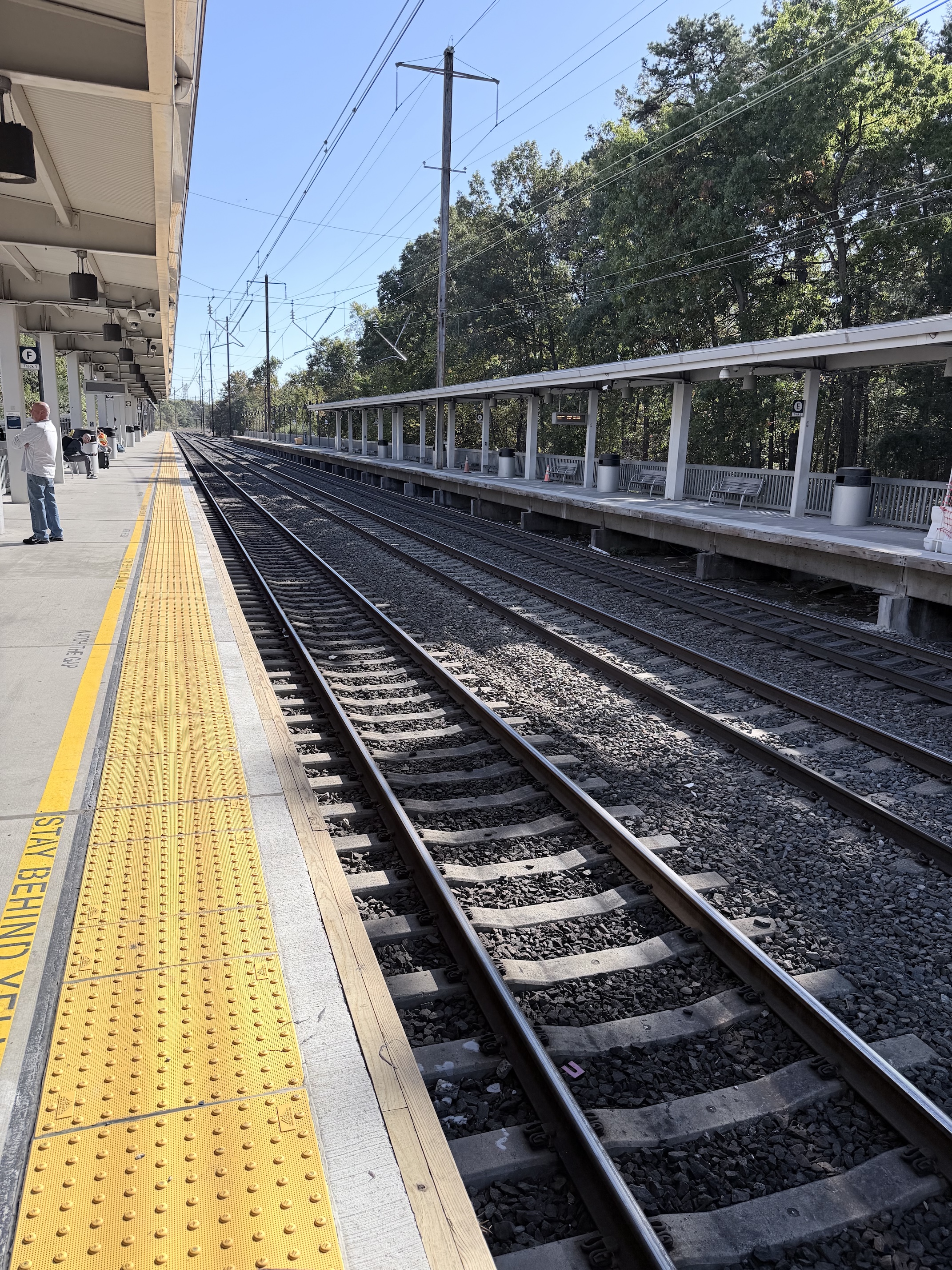
The train ride on the Northeast Regional to New York City was easy. I really do love traveling by train, and wish I could do so more frequently.
Upon disembarking and getting onto the street, I found a flood of people heading into Madison Square Garden, all wearing Knicks gear. I later learned the regular season began on Tuesday, and this was the Knicks’ first home game since winning the championship last season. That explained a lot.
That night, I met up with my friends Sam and Soroush; the former I speak to frequently, but the latter I had, sadly, mostly fallen out of touch with. Soroush had plans with another friend, but both he and Kyle were gracious enough to let Sam and me merge our plans with theirs. Similarly, Sam was kind enough to escort me to Soroush’s place, where I got to meet his lovely wife for the first time, and hang for a few before dinner.
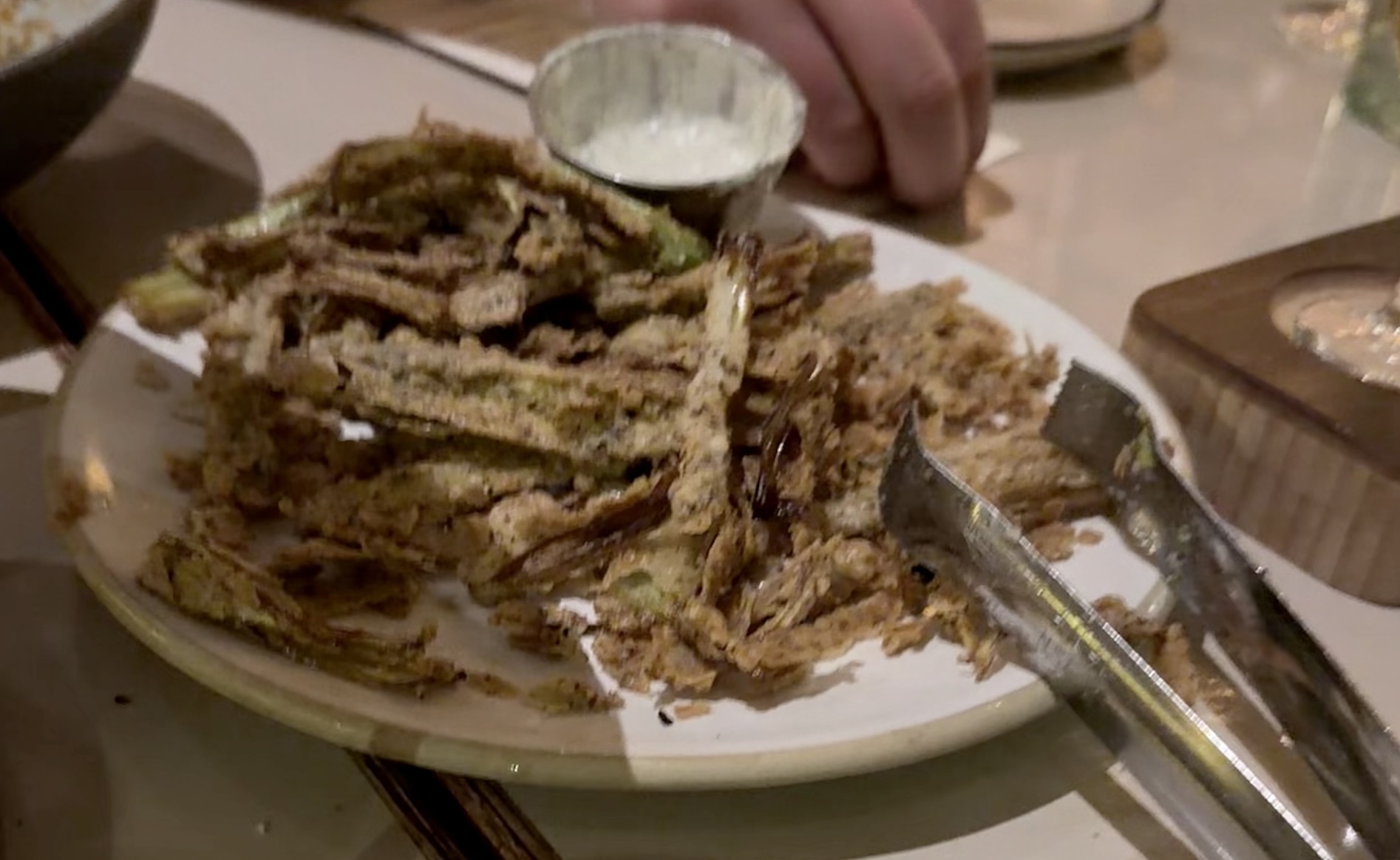
Dinner was at Super Nice Pizza, and was delicious. Everything we ate was quite tasty, but the surprise of the night for me was… some sort of fried leek thing that was basically a fancy lad’s Bloomin’ Onion. It was delicious, but more importantly, the company was excellent.
This photo is trash, but, here’s the leeks:
After dinner, we went to a Tiki Bar and had a nightcap before bed. Pleasingly, the weather in New York was incredible this week, and we were able to sit outside.
Wednesday morning the day began early with breakfast at Zucker’s Bagels & Smoked Fish with my buddy Adam. Though I love lox, and the name of the darned place includes “smoked fish”, I decided to eschew that for fear of halitosis, and instead had a very tasty bacon, egg, and cheese.
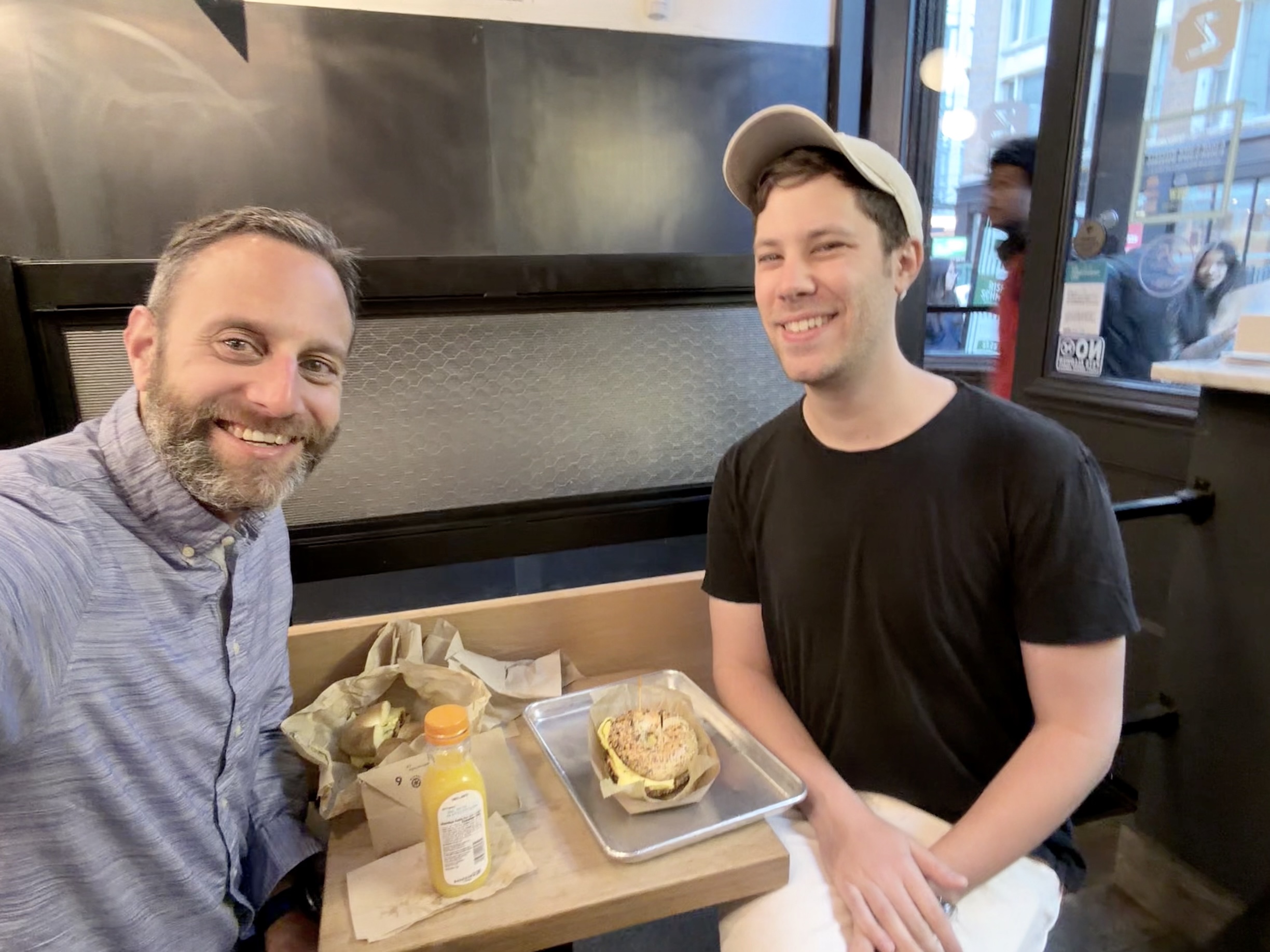
(I’m not sure why I’m incapable of taking sharp photos.)
The conversation was great, if a tiny bit rushed on account of all the activities we had in store for us that morning.
Which brings me to the iPhone Duo Showcase.
I have been lucky enough to get invited to a couple of WWDCs, and I also somehow got invited to an event in Brooklyn in 2018. However, this kind of access was extremely unusual for me. This was basically my first time, so I wasn’t sure how to act.
The Showcase took place at Apple’s Tribeca loft, and let me tell you, even if the Showcase stank, seeing that loft may have been worth it. It was gorgeous. The loft also used Lutron Caséta switches basically everywhere, which I got quite a kick out of.
To lead things off, we had a briefing about the device, which was informative, and I learned some new things about the Duo I hadn’t previously known. Walking in and seeing two Duos — a device I’d never seen in-person before — sitting on one of those grey mats you see at the Apple store? Incredible. The matte screens, cranked up to 100% brightness, sitting open, were stunning.
After the briefing, we were led into a large open area, where the developers had set themselves up in stations, to have conversations with the media. Before we got to that, though, I couldn’t resist this photo op:
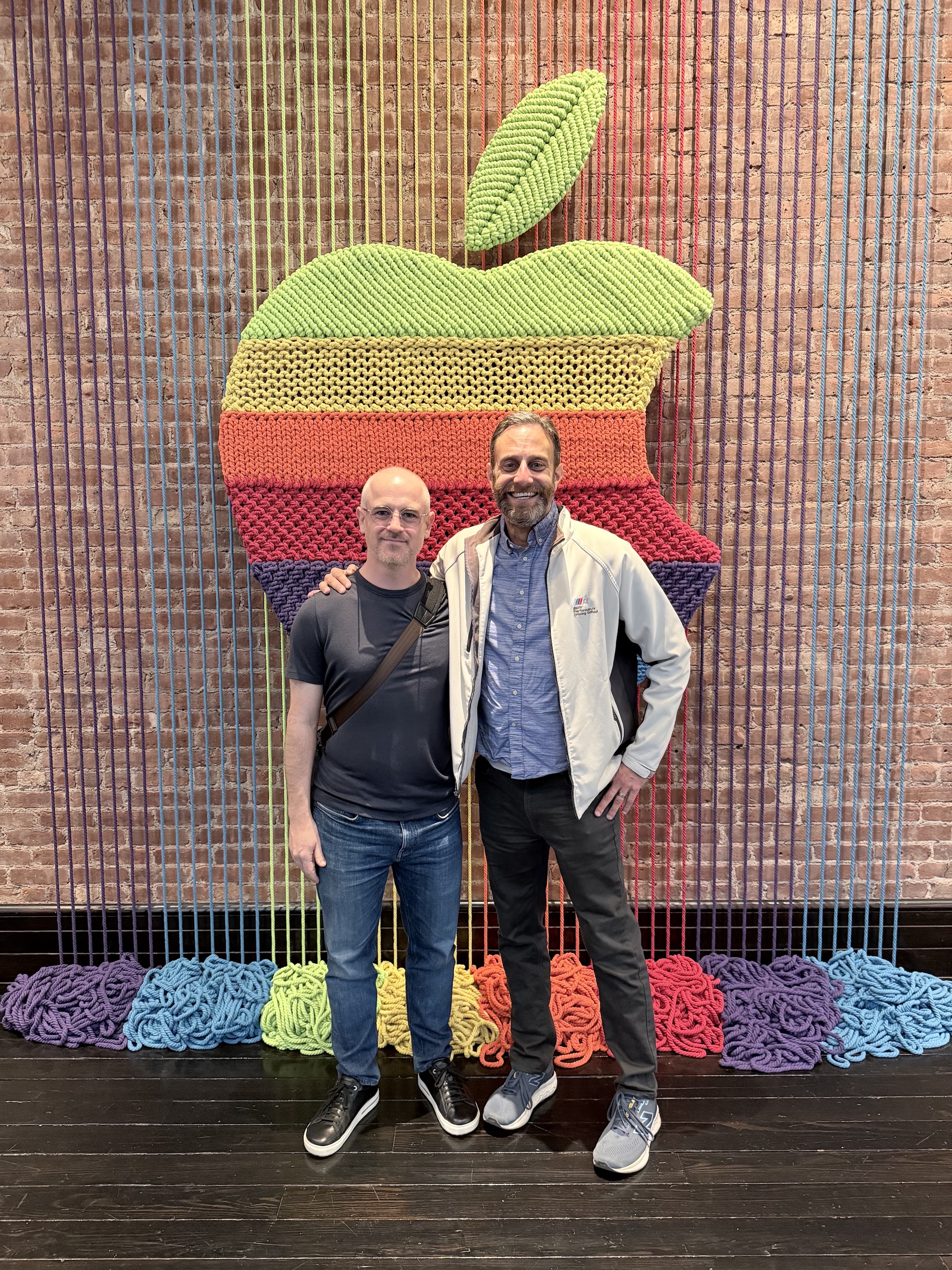
It was extremely cool to see a version of the woven Apple from the recent video.
While Marco and I walked around seeing all the different stations, and chatting with all the developers, I took far too few photos and basically no video. I deeply regret this, and if I am lucky enough to get an invite to another event, I endeavor to do way better about capturing more images and videos.
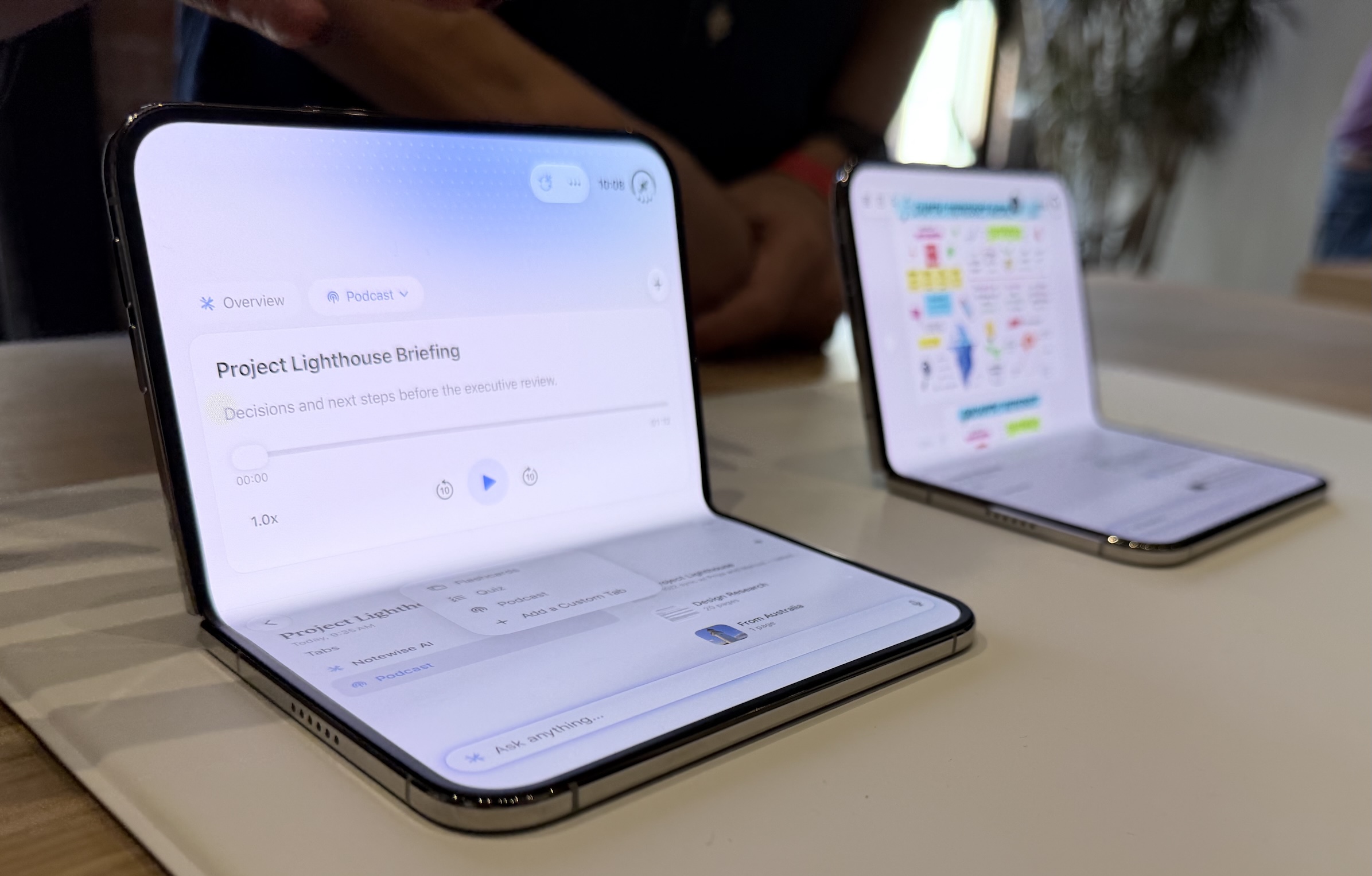
While at the stations, I had the opportunity to mess with the various Duos, and I was incredibly impressed. I will have lots to say on ATP next week, but the Duo is just so darn different. And right now, I’d argue, different is fun.
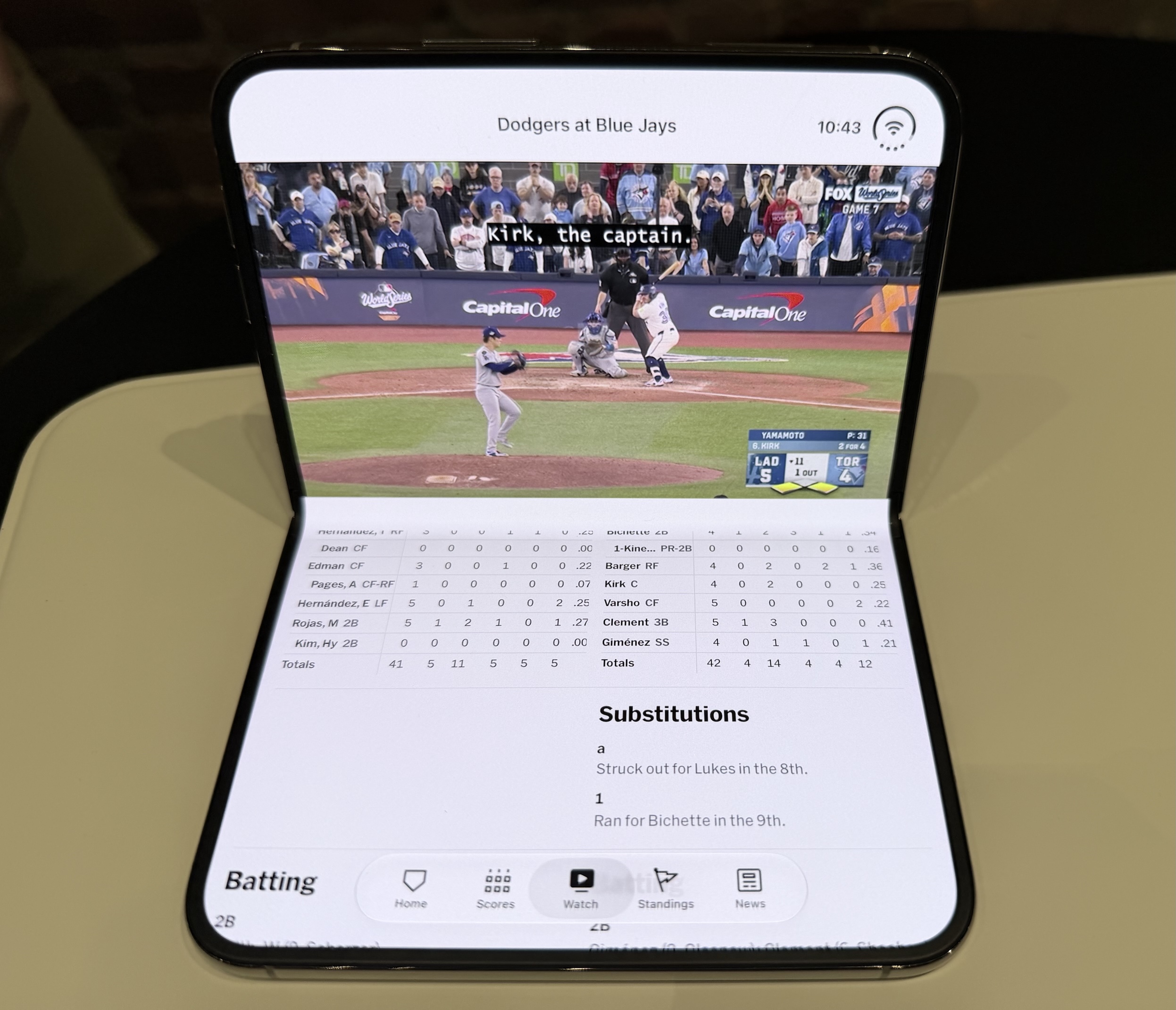
After what felt like far too little time — even though it unequivocally wasn’t — we were asked to make way for the next group. In a serendipitous turn of events, we ran into our friend John Voorhees in the lobby, as he was about to take his turn.
All told, I’m very appreciative and lucky that I had the opportunity to get some time with the Duo before launch. It helped me do a better job on ATP the next day, and helped me let my thoughts about the Duo start to brew.
After the Showcase ended for us — around 11ish? — Marco and I had a mission. There was only one option for lunch.
The weather continuing to be amazing, we took a [slightly circuitous, whoops] walk to one of my two favorite pizza spots in the world: John’s of Bleecker. The conversation during the walk was excellent, and that only kept up during the meal.
When [briefly] debating what to order, we figured we’d split a pizza. We weren’t sure if 14" or 16" was the right answer, but Marco quickly pointed out that at a small $2 delta, you Get the Bigger Pizza.
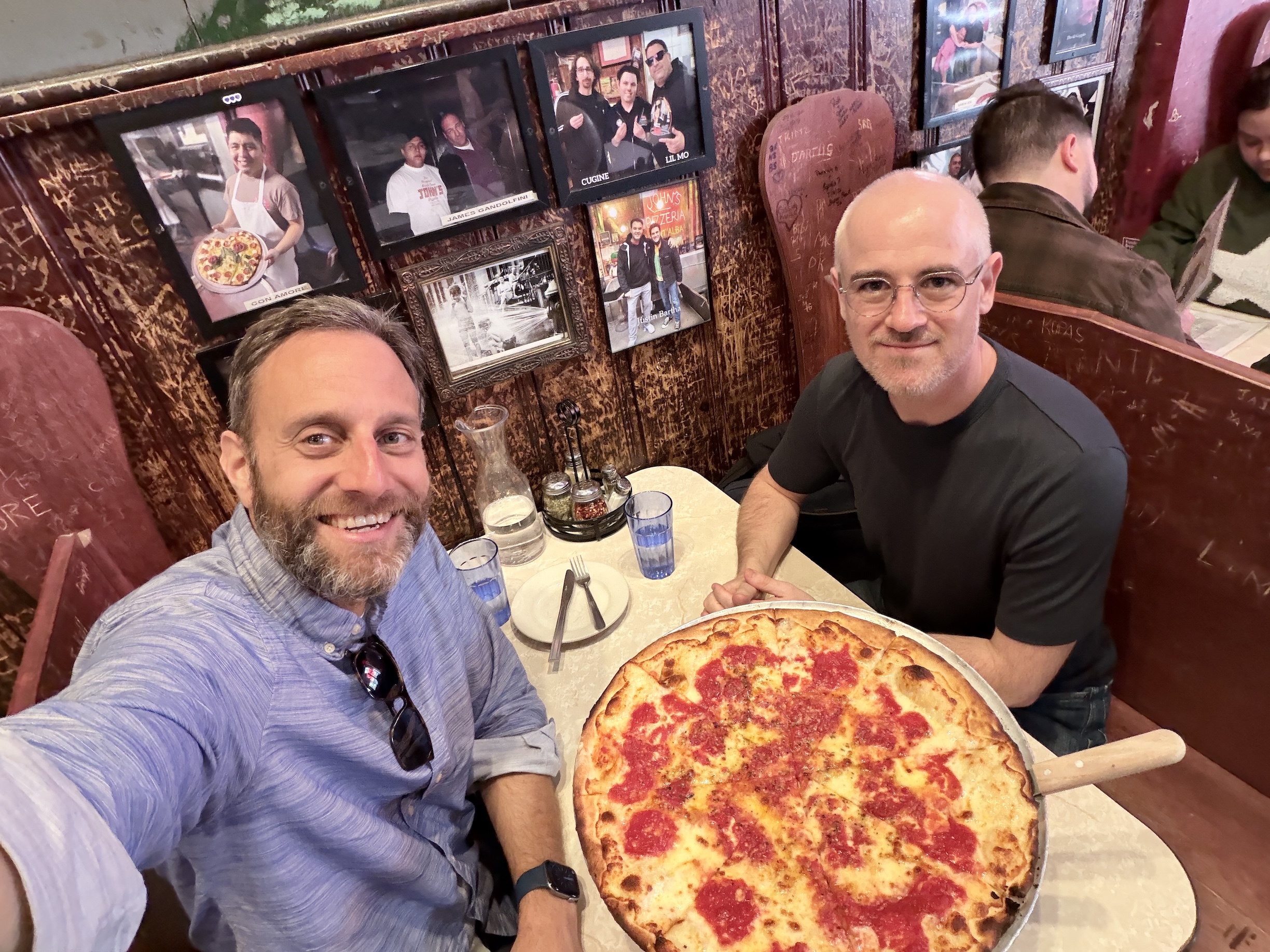
The pizza — like the company — was amazing.
Shortly before leaving John’s, Marco checked train schedules to get him home, and realized he had a couple hours to kill. I made passing mention to Marco that I had never been to B&H’s store in midtown, and he jumped at having an excuse to go.
It was both exactly what I expected, and not at all what I expected. I was sad to see very little Ubiquiti gear, but there was so much stuff.
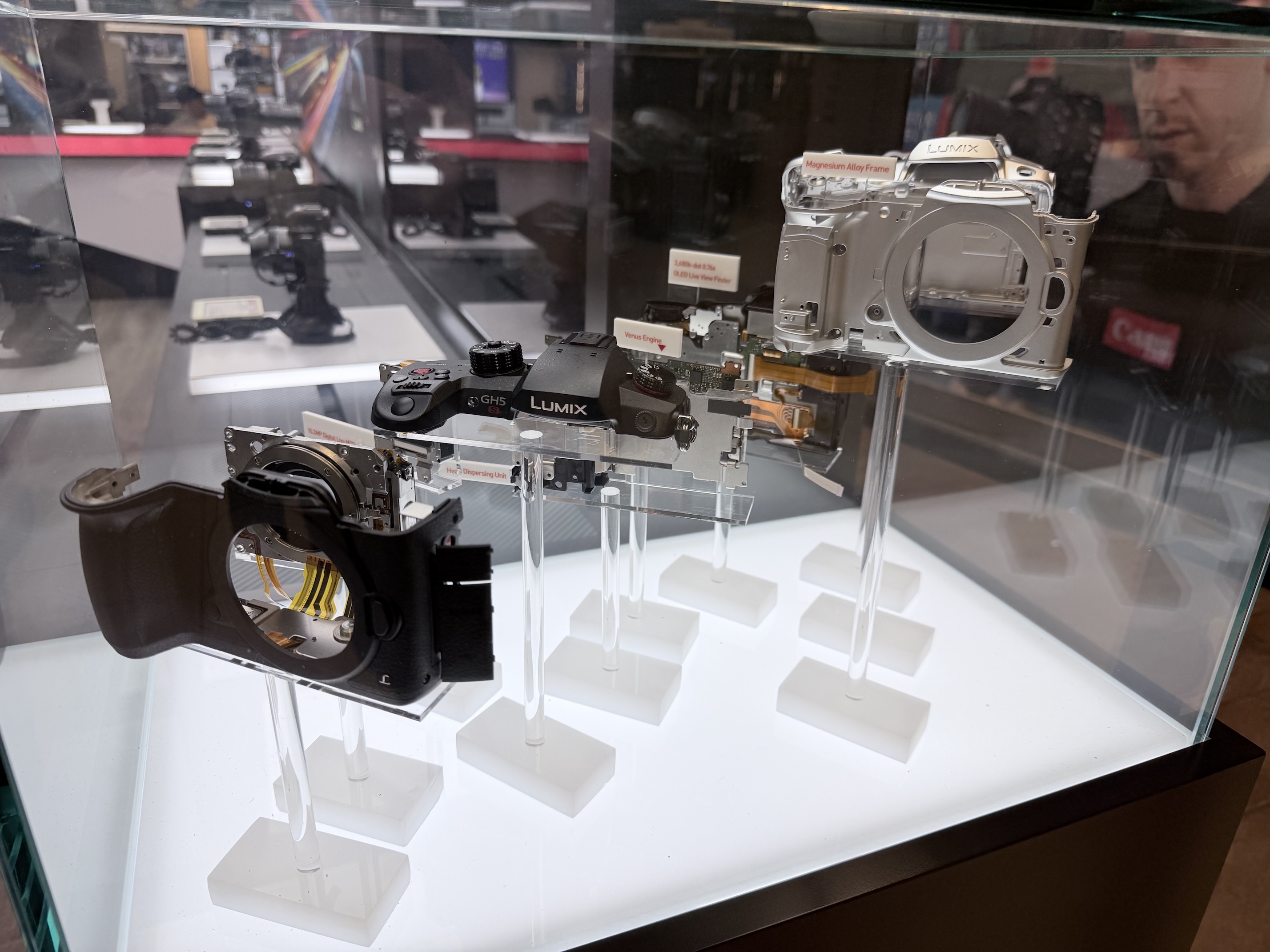
After B&H, we killed some time and Marco took off. I went back to the hotel room to rest for a bit, as I felt like I had been run ragged.
That evening, Adam asked me if I had any plans, which was perfect timing, as I was about to go figure out something to get into, but had nothing on the docket. We went to an Irish pub, where we had a couple drinks. The conversation was meandering and wonderful; just like I like it.
After splitting up, I met up with Sam again to crash an “iOS IRL” meetup. I was later than expected, so the crowd was thin, but everyone was lovely and welcoming. I am glad I swung by.
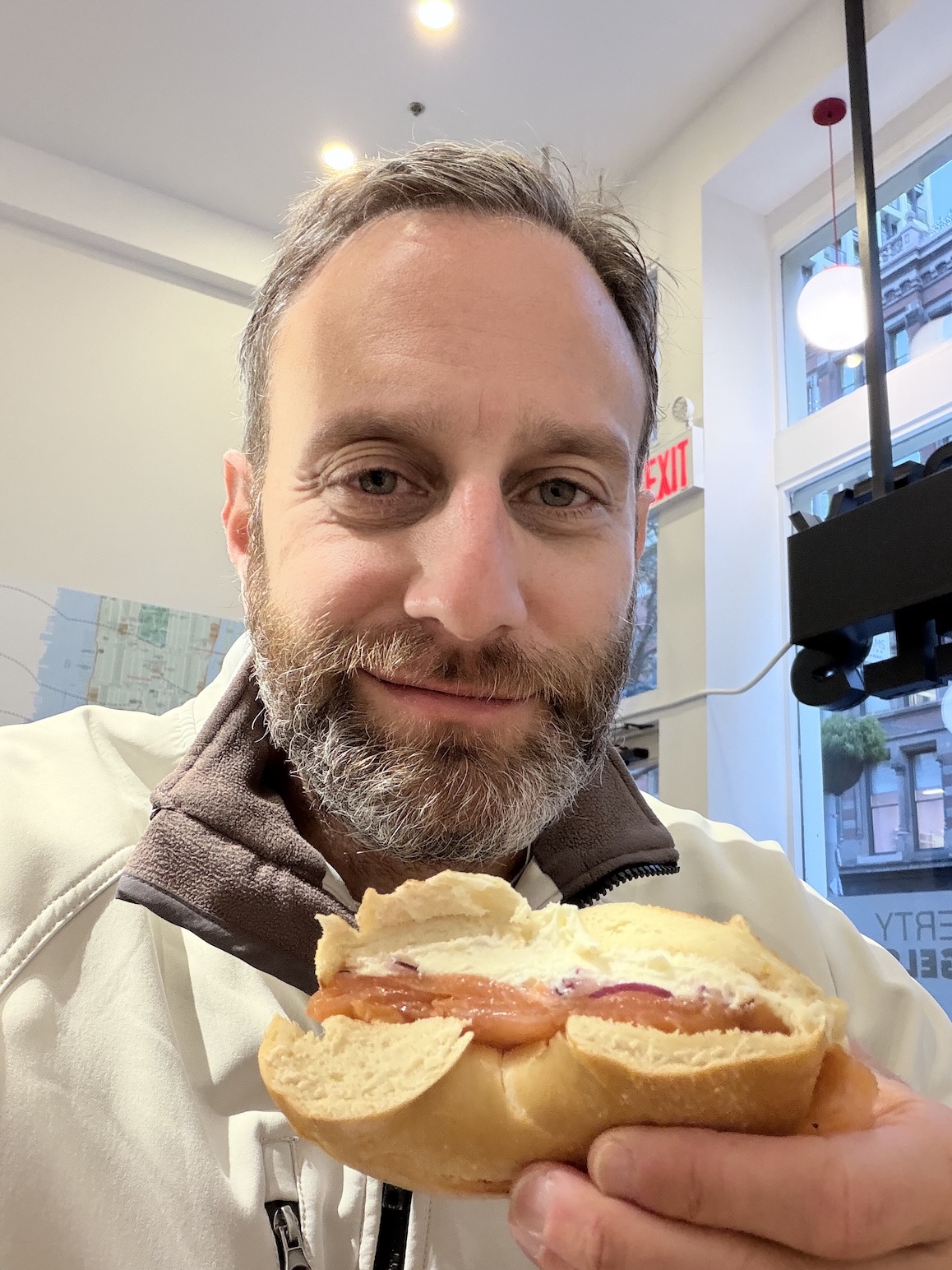
On Thursday morning, I had a train to catch, a drive to make, and most importantly, a family that I missed very much to come home to. I started the morning by stopping by a new location of Liberty Bagels, which the family and I had tried when we were all in Manhattan last summer. With no expected close-quarter conversations looming, I treated myself to a toasted plain bagel, with lox, plain cream cheese, and red onion. It was positively divine.
When booking my travel, I noticed that an Acela was marginally more expensive than the Northeast Regional, so, Limitliss LLC decided it was okay for me to treat myself. 😉
This was the first time I’d ridden the Acela, and I had heard universally good things. Based on this one ~2.5 hour experience, I can say… it’s nice! The trains are clearly less abused than the normal Amtrak trains. I was in a “NextGen” train; I’m not sure what the older trains are like. Mine had seats a bit nicer than a normal Amtrak, with pull-down footrests, and a cupholder. Though I didn’t enter the café car until I was disembarking, it certainly seemed quite a lot nicer than the ones on a normal Amtrak.
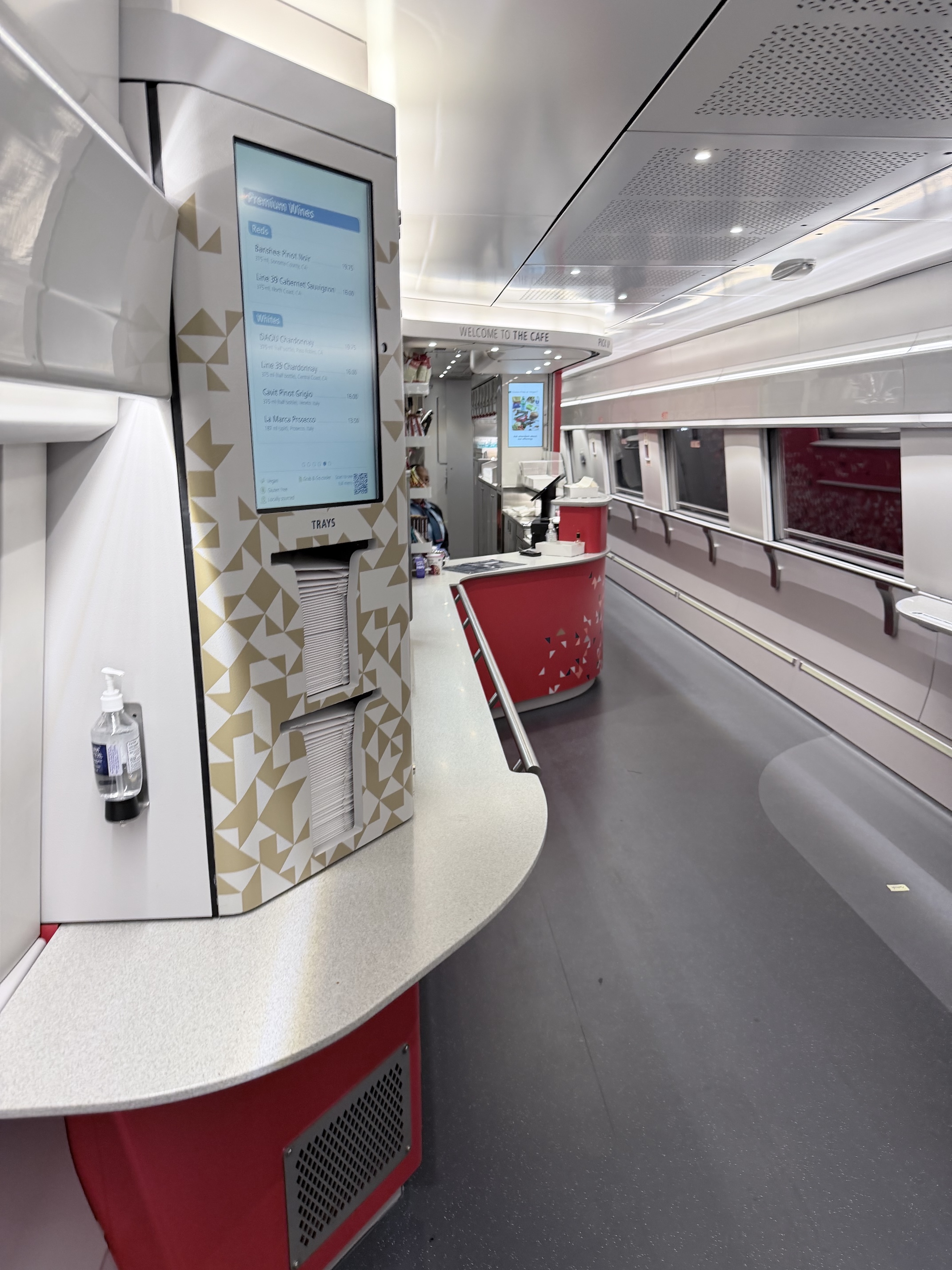
Ultimately, the difference between the Northeast Regional and Acela was only around 30-ish minutes on this short-ish distance. The experience, however, was definitely noticeably up-market. In cases where the cost difference isn’t too much, I’d definitely spring for the Acela again.
All told, the experience was really great, and I’m really appreciative of Erin and the family being so great about me leaving for 2 nights in our busiest time of year. I haven’t a clue if I’ll get invited to anything else — Apple can be a fickle group — but I’ll definitely cherish this experience.
I may be a jerk, and a nobody, but hey, at least I’m damned sure I’m not a sadistic monster. ↩
A very busy week this week in Apple land, what with HomeView debuting, and the Duo preorders happening just a few hours ago. I celebrated, in part, by joining Dan, Mikah, and Karissa Bell on Clockwise.
This episode, we discussed HomeView, whether or not we’re throwing caution to the wind with AI agents, how we feel about passkeys (which are also in the news at the moment), and whether we see ourselves using an Apple Pencil with the iPhone Duo.
September is Childhood Cancer Awareness Month, and today is, believe it or not, September 32nd. Which means it’s time to raise money for St. Jude Children’s Research Hospital.
Some friends and I will be doing a twelve-hour telethon today, from noon Eastern through midnight Eastern. I’d love it if you joined us. I’d love it even more if you donated.
Let’s hang out and help give this children more tomorrows.
Seems that I got a little over-excited. As did most of the internet.
In my last post, I noted that GM seemed to be… ahem… pumping the brakes on their anti-CarPlay agenda.
As per Joanna Stern (Twitter link), I got that wrong. In my defense, so did most of the internet, but I did too.
I still think it’s utterly ridiculous that Rivian — and GM! — are leaving money on the table by not supporting CarPlay. You’d think the overwhelmingly positive reaction from press and customers alike would be a hint to re-evaluate things. Alas.
Nevertheless, here’s the state of the world today:
✅ Most new cars, at all sorts of price points
✅ 🆕 Motorcycles (like the Honda Gold Wing and Harley Road Glide)
✅ Boats
✅ Showers
❌ Rivian
❌ 🆕 GM vehicles
In 2023, General Motors decided to make a curious commitment: their future electric vehicles would not feature CarPlay.
Those of us with brains on the outside thought this decision quite curious,
but it was limited to future electric cars only. While still dumb, at least
they weren’t actively taking away from what was already on the market.
Just shy of a year ago, GM CEO Mary Barra extended this lunacy
edict to include all future internal combusion vehicles as well.
Unsurprisingly, this did not end well:
The backlash was immediate, and the data was brutal. Surveys at the time found 79% of new-car buyers would only consider a vehicle that offered CarPlay, and that it was available on 98% of new cars sold. Dealers warned buyers would simply walk to a rival showroom.
Welp, look who did an about face after realizing they scored a tremendous own-goal:
This week [GM] unveiled a new infotainment interface, debuting on the 2027 Chevrolet Silverado and GMC Sierra pickups, that folds smartphone projection back into the dashboard and runs alongside GM’s native system.
✅ Most new cars, at all sorts of price points
✅ Boats
✅ 🆕 GM vehicles [again]
✅ 🆕 Showers
❌ Rivian
You’re leaving money on the table, Wassym. I promise: it doesn’t have to be this way. CarPlay is additive, after all.
Since I’m, well, me, I often find that I want to send multi-gigabyte files to others. I want to do this quickly, but also securely. About eleventy years ago, I got a deal on a lifetime Droplr account, and that works great for files up to around 15 GB. But what about even larger stuff?
I’ve found two approaches that work well for this, though I will concede, they’re both… a touch fiddly.
Both of these require using Homebrew to install them, and they must be run from the command line. Perhaps there are GUI wrappers for one or both of these, but I’m not aware of them.
Magic Wormhole
magic-wormhole was the first tool I used to do this sort of thing. It’s
reliable and easy. magic-wormhole makes it quick and easy to send files between
computers regardless of what network they’re on.
To send a file between computers/people:
-
On the sender, start a session by selecting a file to send:
wormhole send ~/path/to/some/file.mp4 -
This will emit a text-base code, as well as a QR code. For example, in a test, I received the following:
On the other computer, please run: wormhole receive 8-virginia-beehive -
Guess what‽ On the other computer, you’ll run:
wormhole receive 8-virginia-beehive -
Wait while the file is transferred; it shouldn’t take too long.
In my experience, magic-wormhole always uses a relay — the connections
are rarely direct. However, the files sent via the relay are encrypted.
Additionally, in order to make connections easy — and sharable using the
brief numeral-word-word template — there’s also a “mailbox server”
used to facilitate these connections.
All that said, magic-wormhole is great for novices, if they’re able to use
the command line under direction from you.
Tailcat
Just announced this week, tailcat can best be summarized by the marketing line they’ve adopted:
Tailscale, without Tailscale, by Tailscale.
Perfect. No notes.
I’ve spoken about my love of Tailscale many times before on this blog. Tailscale is many things to many people, but in short, it answers the question of “what if I could connect to all of my devices, no matter where they are, or what network they’re on?”.
tailcat uses the underlying Tailscale technology to punch holes in firewalls
and establish direct connections between two computers. You don’t need to run the
full Tailscale client software. You just need to pass a [very unwieldy] code between
two people.
To send a file between computers/people:
- On the receiver, start a
tailcatsession, and point to a destination folder:
tailcat recv ~/Downloads - The receiver will emit a very long string that is the “key”; use iMessage or
some other out-of-band communication protocol to send this to the other person.
The string will begin with
tco. - The sender will then send the file in question, using the long string:
tailcat cp ~/path/to/some/file.mp4 tco[…]:
Note that you need to add a:suffix to the long string that was passed. - Wait for the transfer to finish. It shouldn’t take long.
There is a whole discussion about how this works under the hood, but the short-short version is that the connection starts by using a very aggressively throttled relayed connection through one of Tailscale’s servers. Note that your data is end-to-end encrypted, so they can’t see any of it; they simply carry it.
While the relayed transfer is happening, behind the scenes, tailcat is trying
to establish a direct connection between you and your friend. Once that
direct connection is established, tailcat stops using Tailscale’s relay, and
simply sends the files from one computer to the other. At that point, you’ll see
the transfer speed ramp up dramatically.
Trade-offs
If you want something that’s [mostly] easy to use — particularly for novices
— then you should probably use magic-wormhole. It’s far easier for people
to understand and interact with. However, it’s slower.
If you want to transfer files as quickly as possible — ease of use be damned
— then tailcat is your answer. Doing some quick testing
with a local friend, we found magic-wormhole topped out at around 5 MB/sec,
where tailcat topped out at around 20 MB/sec.
No matter what, both tools are invaluable to have at your disposal.
Life has been quite busy lately — in the good way! — and as such it completely fell off my to-do list to post about an appearance from a couple weeks ago.
I was interviewed by Eric Schwarz on his podcast Magical & Revolutionary. In the show, we discuss ATP, Analog(ue), Callsheet, my other apps, tinkering, fast food, and cars. Eric also asked me his traditional seven questions, which I told myself to prepare for… and then forgot to. 🤦🏻♂️
The episode was fun to record, and Eric is a good interviewer. Come for the history discussion and stay for the fast food. 😏
Callsheet 2026.7 is rolling out in the App Store now. If you aren’t offered the update, go to the App Store details and you should be offered to upgrade it there.
There’s a lot of fixes and some great changes/improvements in this version. Here’s some of the new or dramatically improved features:
- The main search box has been embiggened slightly to make it a little easier to spot
- Active Plex connections can show playback from all your servers, or, optionally, just one server.
- If you use Infuse to play media off your Plex server, those sessions are now shown in Now Playing
- On a cold start, Callsheet attempts to clean up temporary/cached files that are more than a day old
- In
Persnickety Preferences, you can also force a cleanup
- In
- The Control Center widget no longer has the redundant
Searchin the subtitle
And though the list of fixes is quite long, here’s a trio that are worth calling out specifically:
- Fixed an issue where sometimes an actor’s height would disappear
- Fixed an issue with Apple TV premieres that showed the wrong relative date, particularly for users on the west coast of the US
- Fixed an issue where movie collections wouldn’t show if any of the movies didn’t have a release date
You can see the full release notes in the App Store.
Today, MasterCraft has announced it is adding CarPlay to some of its upcoming pontoon boats.
For those keeping score:
✅ Most new cars, at all sorts of price points
✅ Boats
❌ Rivian
What the hell are we doing here, folks?
It doesn’t have to be this way. I promise.